https://godotengine.org/asset-library/asset/3887
Asset Name: Comedot ECS Template Description:
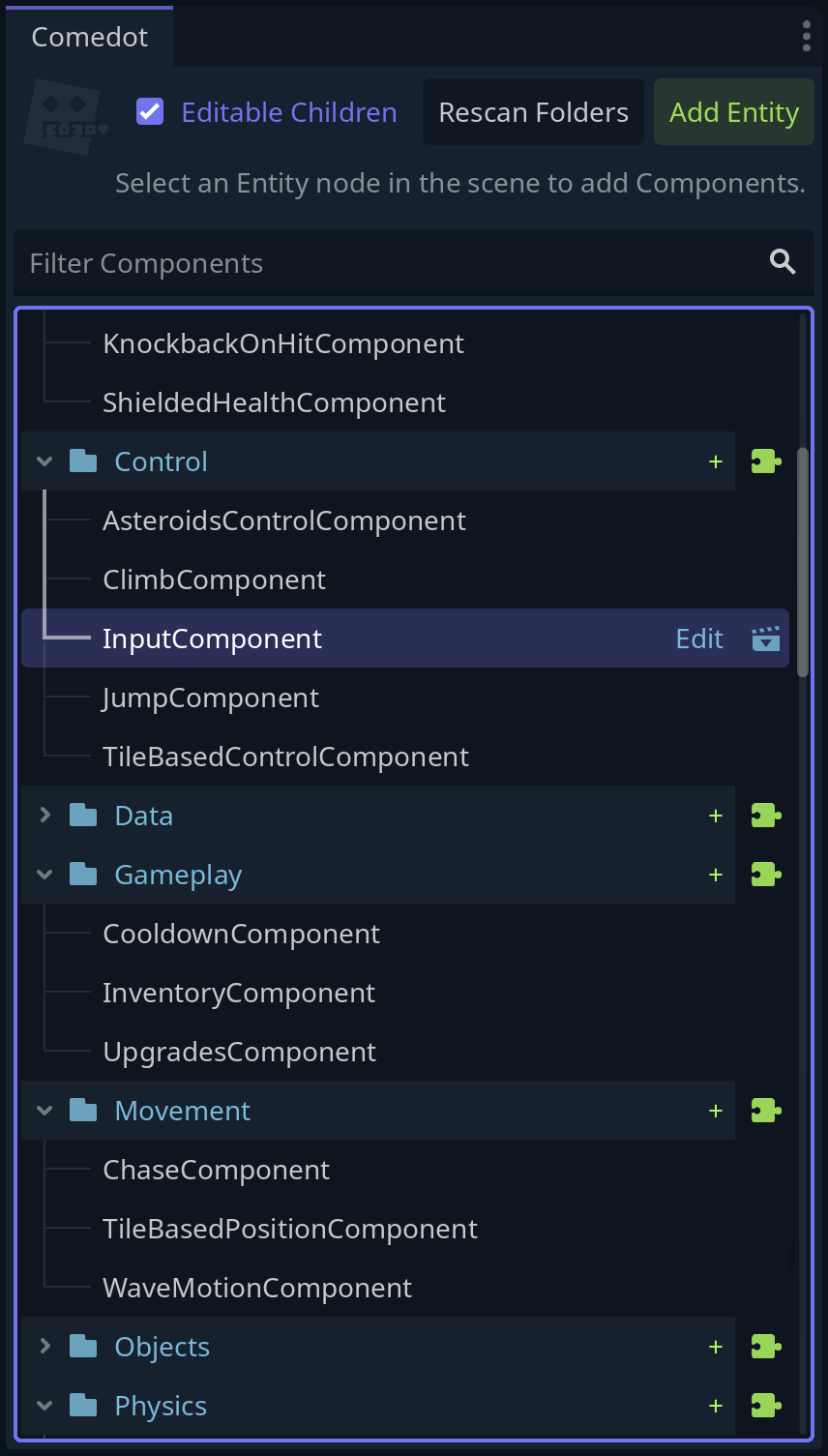
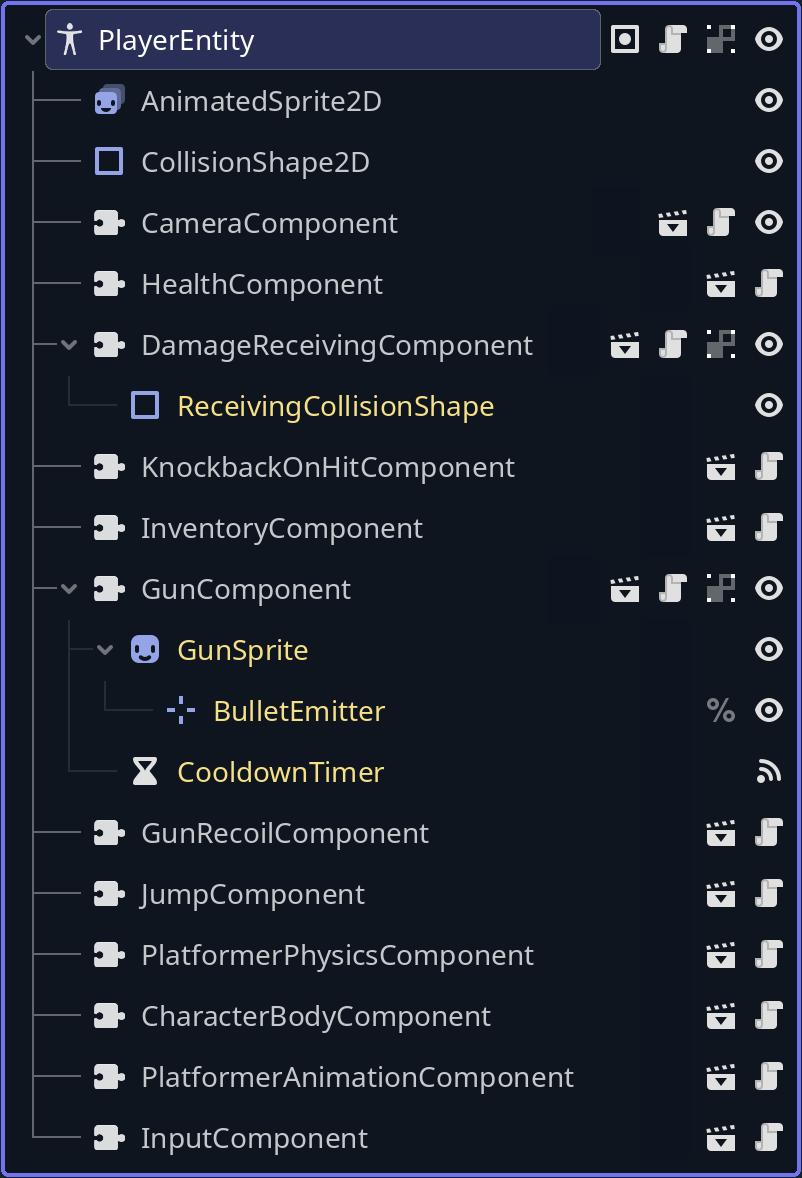
All-in-one project template & components framework: Basically nodes but for gameplay. Optimized for 2D pixel art.
• Includes components for platformer/overhead/tile-based movement, combat, interactions, inventory, turn-based logic etc.
• Handles tricky edge case issues in physics, stats, collectibles, climbing etc.
• UI controls like stat HUDs, buttons for special skills etc.
• Scenes for Logo → Main Menu → Options, Input Remapping, Pause Overlay & simple game examples.
• Save/Load player preferences in config file with Settings.anyName = 69
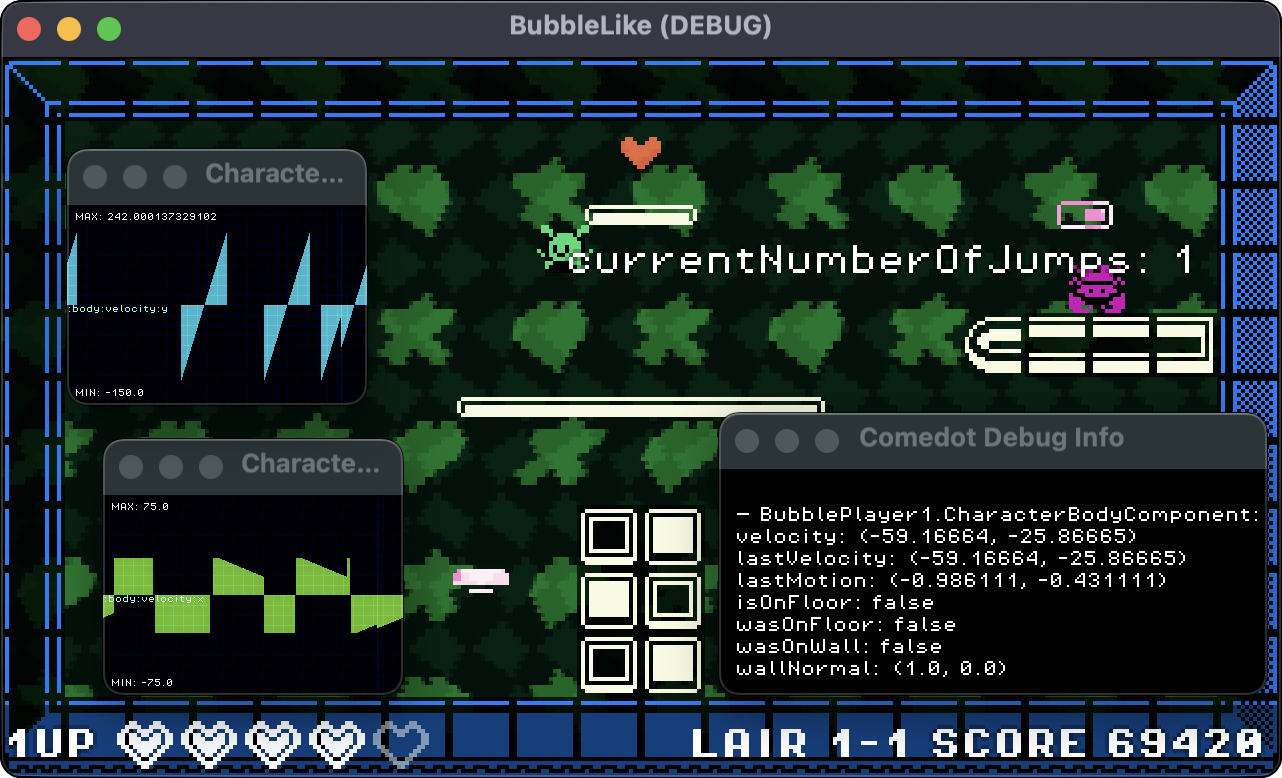
• Helper functions & debugging tools like realtime charts for monitoring variables.
• Free-to-use 3rd-party assets for quick prototyping.
• Meatcrafted components can be Lego'ed together by AI codeslaves to reliably create various gameplay. *(Comedot itself has no AI-generated code.)
Even if you don't need the template or components, you can cherry-pick specific code to use in your own scripts.
This is a work in constant progress! For delicious details & the latest version, gaze upon the glorious GitHub repository: https://github.com/InvadingOctopus/comedot/tree/develop
Tilesets: https://kenney.nl/assets/1-bit-pack
Font: Jayvee Enaguas (HarvettFox96) https://www.dafont.com/pixel-operator.font
Category: Templates License: MIT Repository URL: https://github.com/invadingoctopus/comedot Issues URL: https://github.com/invadingoctopus/comedot/issues Godot Version: 4.6 Asset Version: 4.6.0.100.69 (First 3 numbers are the Godot version, 4th is Dev/Beta/RC where 100 = release) Commit URL: a8c873d3ea3c2f6aa0de94a11f9cae98679236fe 2026-02-14
Icon URL: https://i.imgur.com/UJnNERn.png Preview: Logo: https://i.imgur.com/aW0MHRu.png Screenshot 1: Dock: https://raw.githubusercontent.com/InvadingOctopus/comedot-media/refs/heads/main/Screenshots/Comedock.png Screenshot 2: Tree: https://raw.githubusercontent.com/InvadingOctopus/comedot-media/refs/heads/main/Screenshots/Components%20Tree.png Screenshot 3: Main Menu: https://i.imgur.com/7XqChTP.png Screenshot 4: Input Map: https://i.imgur.com/eiyfQ3h.png Screenshot 5: Pause: https://i.imgur.com/nWJXuiX.png Screenshot 6: Charts: https://raw.githubusercontent.com/InvadingOctopus/comedot-media/refs/heads/main/Screenshots/Debug%20Charts%20%26%20Watchlists.png